This is a good trick, if you’d like to save some of your favorite Instagram photos on your PC. Can not be done on mobile device, or if someone has found a way, please share.
- Go to https://instagram.com and your favorite brand page. You will need to use MOZILLA browser for this exercise.
- Select the photo, right click and click on “Open link in new tab”
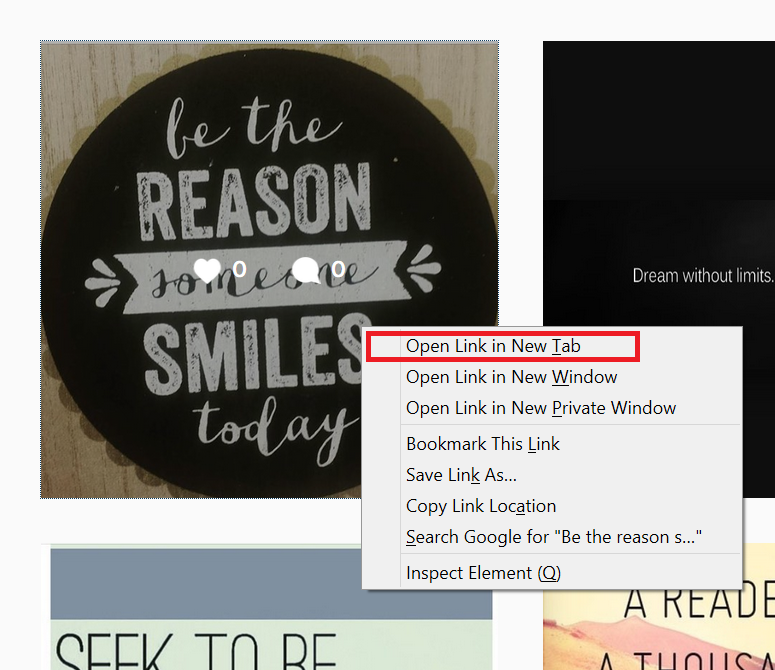
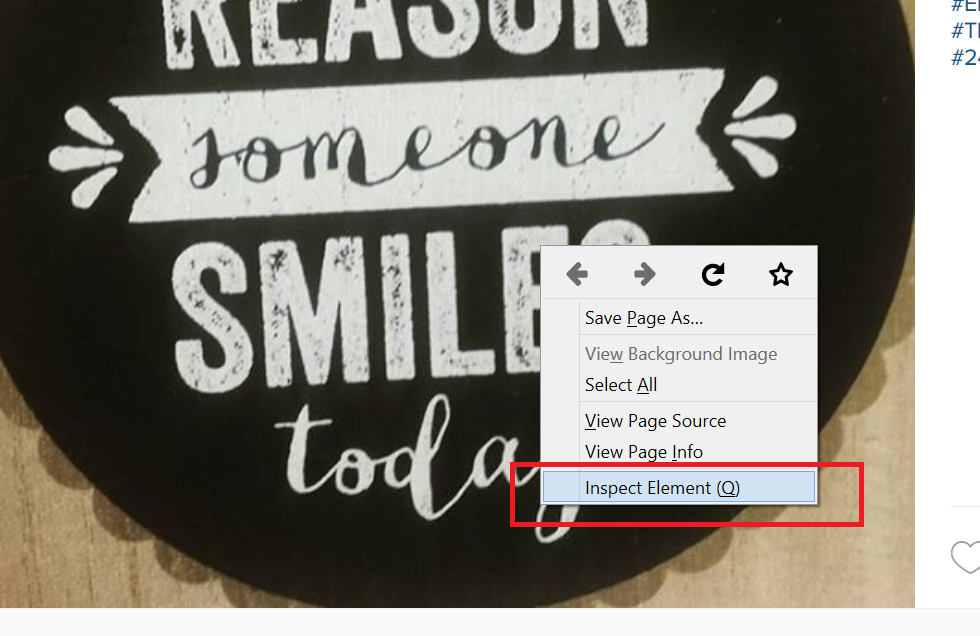
- After you open the photo in a new browser tab, right click and select “Inspect elements”:
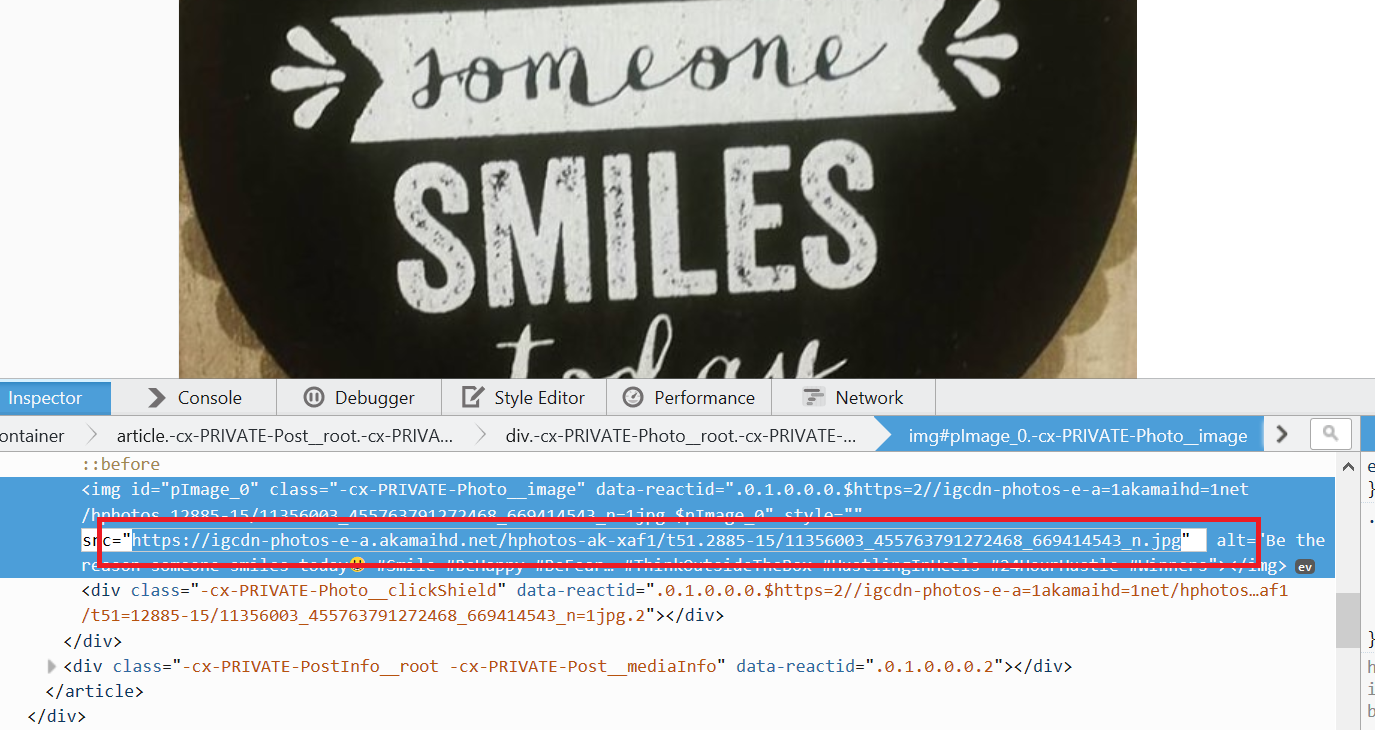
- When you see the HTML code, in the browser below, you will need to select the photo file location, ending in “.jpg”. Double click on it, only once, and I will automatically select. After you select it, copy it and then paste it in a new browser window.
- After you paste the JPG photo URL in a new browser window, you can zoom the image and simply right click, and click on “save image as”
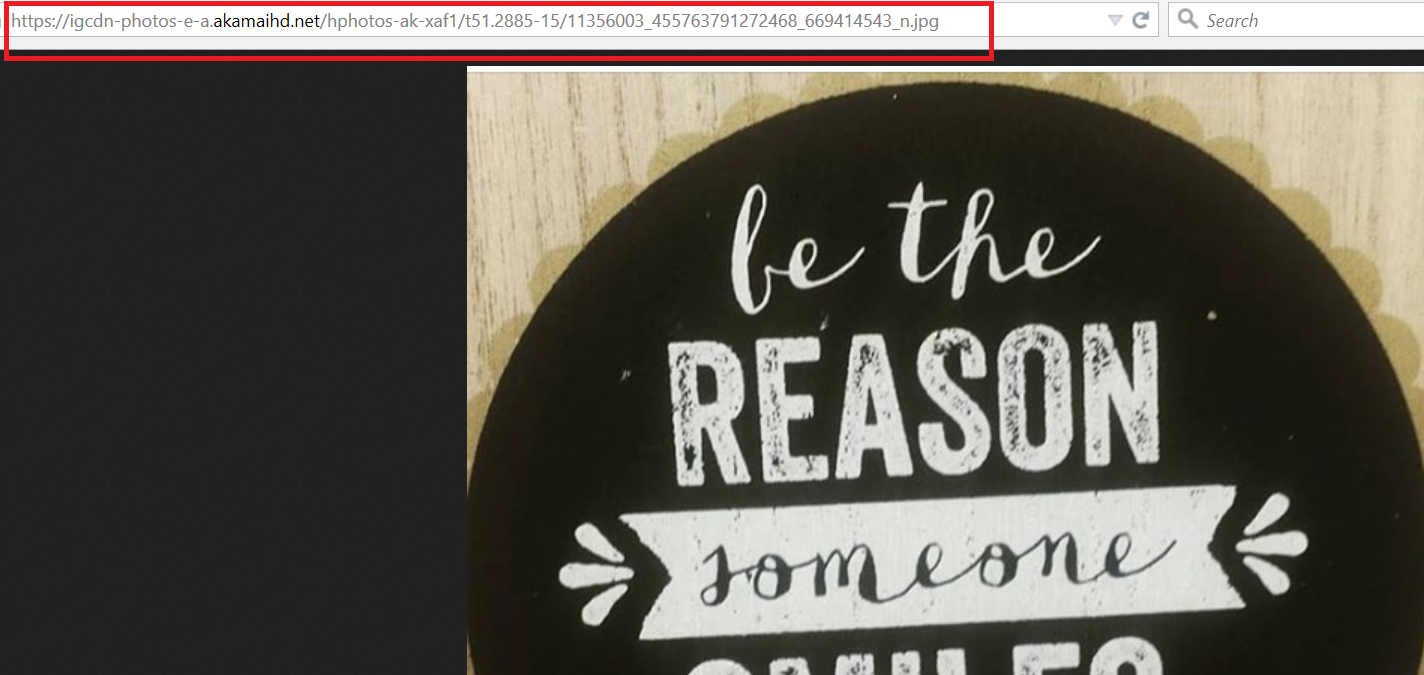
- You are done! Enjoy your Instagram photos on your PC.
If you found this info useful, please share on your social accounts.
2 archived comments
Ravindra
Paul